From an idea to a video in five steps
No experience needed. You write one sentence, the director asks a few short questions, up to 12, and you approve every picture before a video is made.
The whole process in 25 seconds
An animated walkthrough of the app's real screens. The dot shows where to tap.
1/7 Write your idea in one sentence
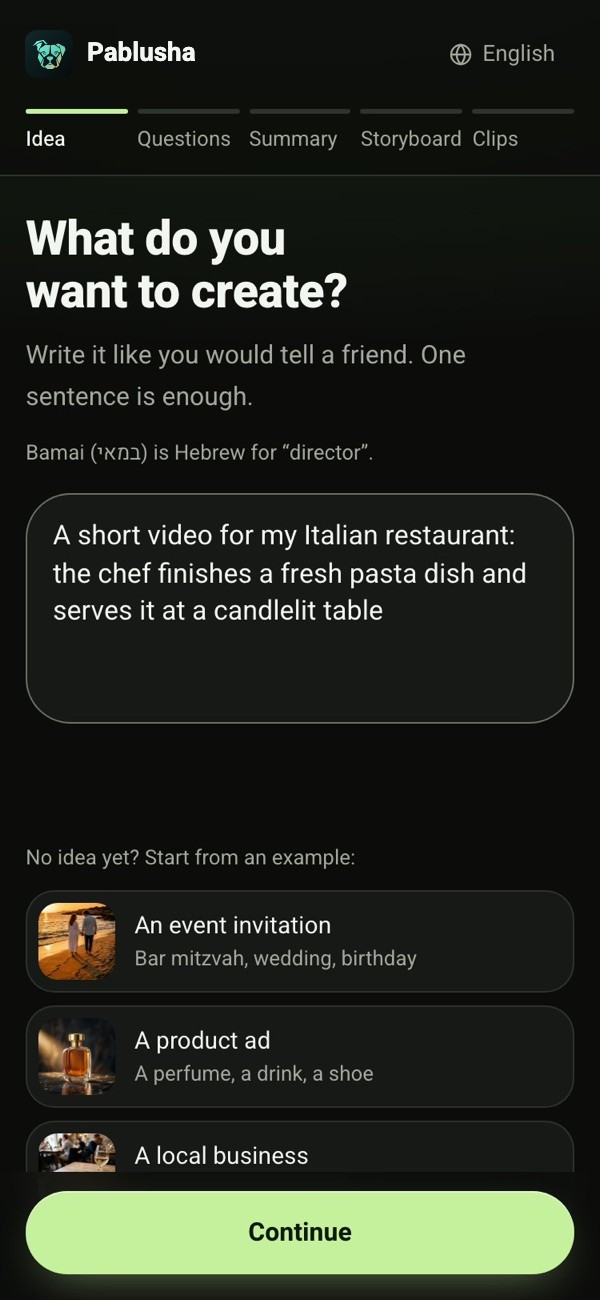
2/7 Answer a few short questions, up to 12
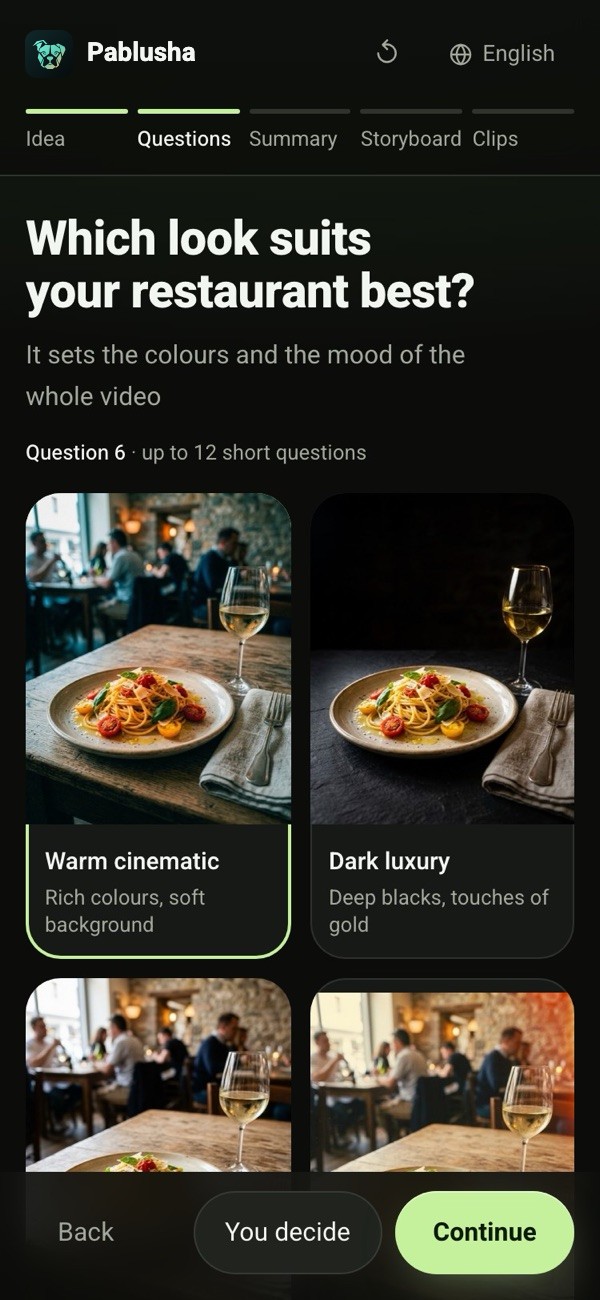
3/7 The director sums up what he understood
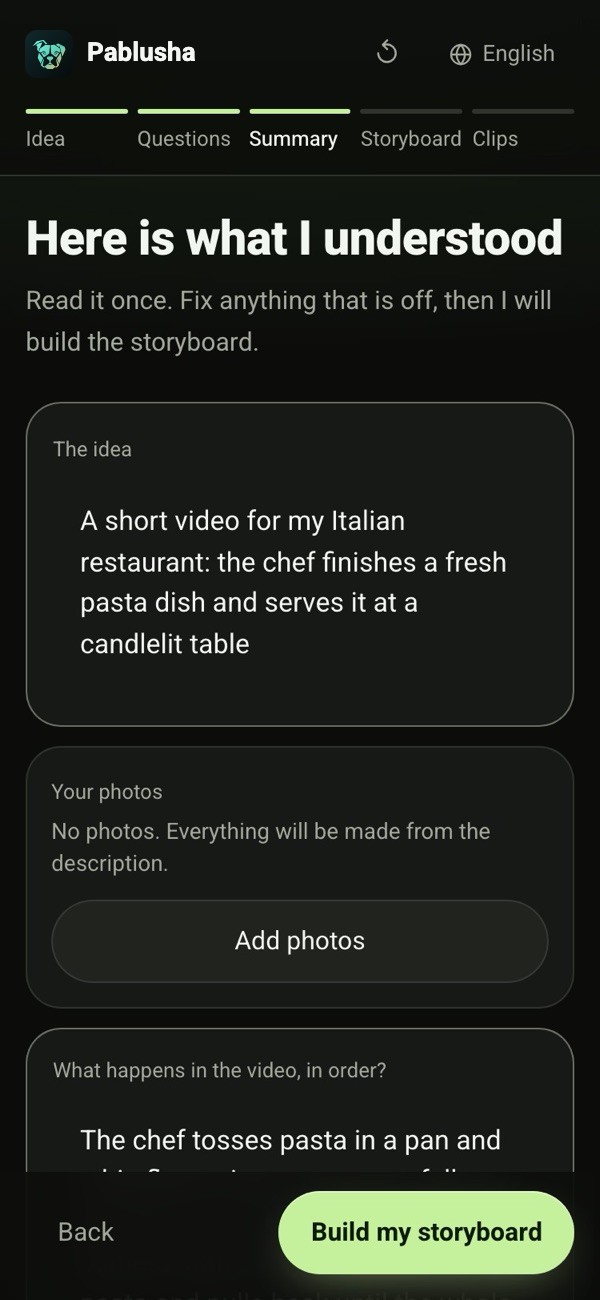
4/7 Approve a picture for every shot
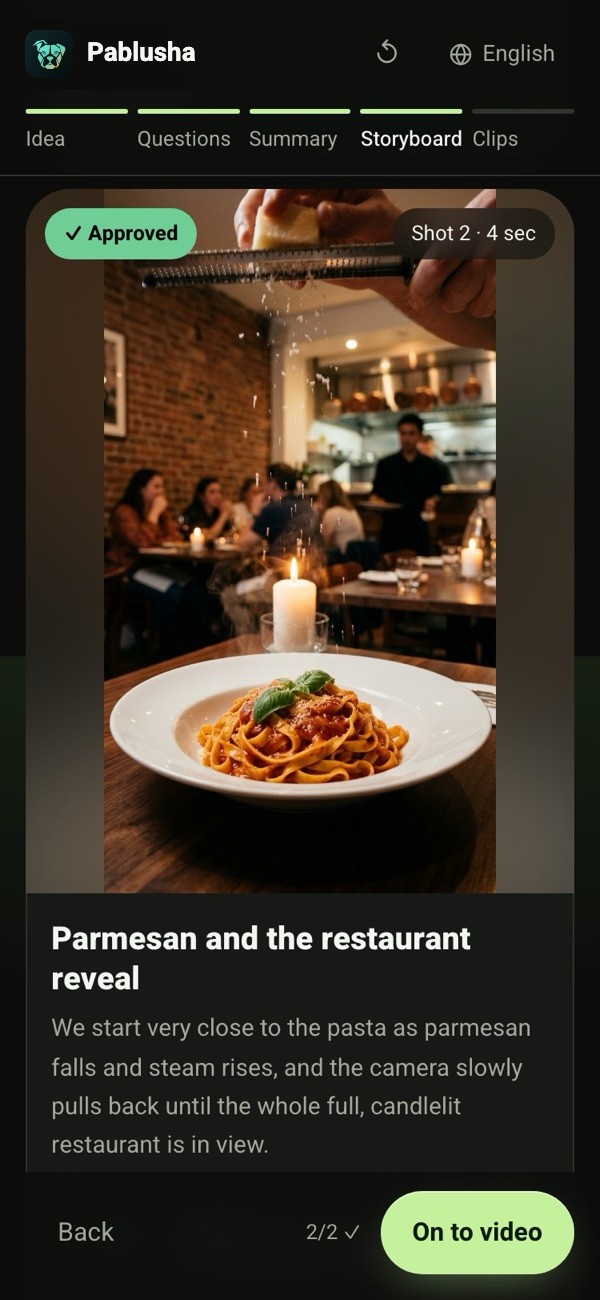
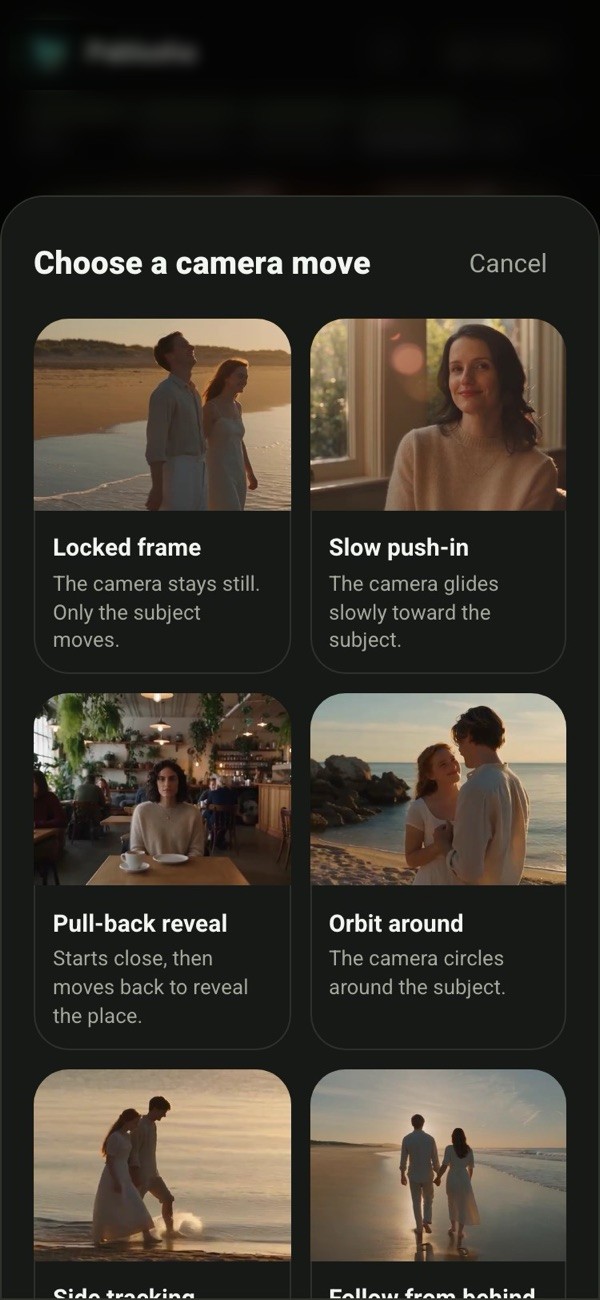
5/7 Pick a camera move, each shown in a short clip
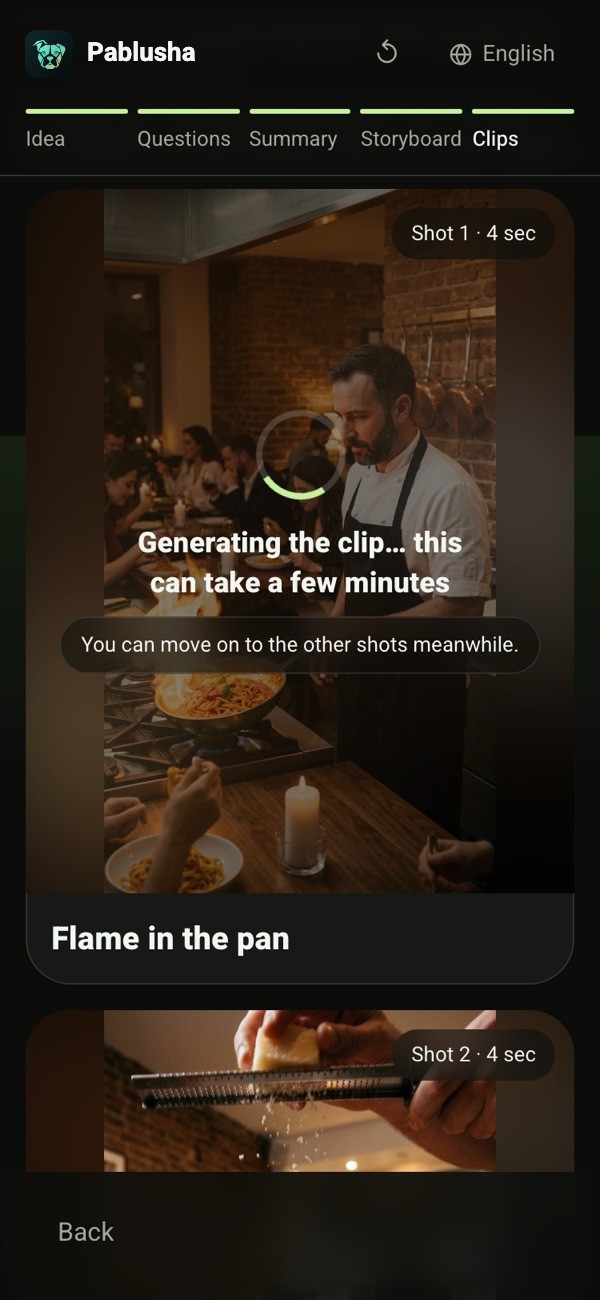
6/7 The clip is being made
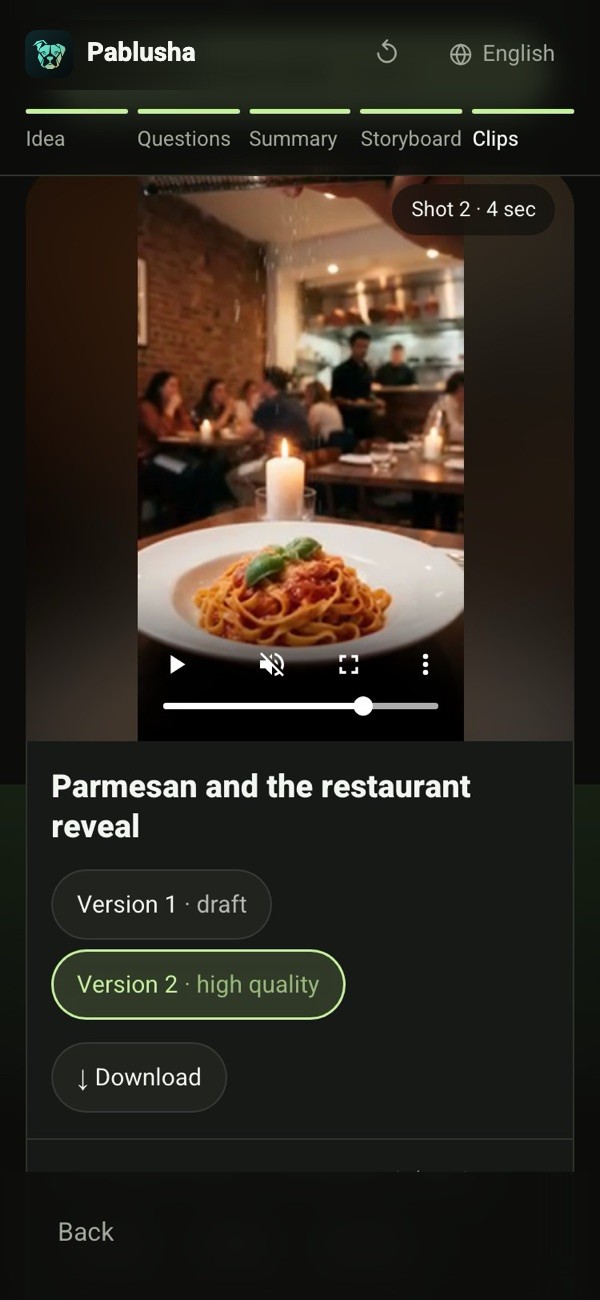
7/7 Upgrade to high quality and download
The guide in pictures
- 1
Write the idea
One sentence, the way you would tell a friend. What is the video about, and for whom.
Tip: No idea yet? Tap one of the examples and change it.
- 2
Answer the director
He asks only what he is missing: a few short questions, up to 12. Pick a picture, write freely, or tap “You decide”.
Tip: Write what happens, not how to film it. The filming is his job.
- 3
Check the summary
He sums up in plain words what he understood. Fix what is off, and he builds the storyboard.
- 4
Approve the pictures
The director splits the video into shots and makes an opening picture for each. Like it? Approve. Not quite? Ask for one change.
Tip: Want a different camera move? Tap “Change” and watch each move in a short clip.
- 5
Make the clips
Every approved picture becomes a clip. First a quick draft, to see the movement; liked it? Ask for its high-quality version. Download everything, then add music and titles in any editing app.
Tip: AI results vary. Sometimes it takes a few tries, and each try counts.
Five videos made exactly this way
Real clips from the app. The people in them were made with AI.
- A restaurant dishTen seconds of appetite
- A product videoAn ad from one photo
- We’re open!The sign lights up, the door opens
- A flat for saleA tour that opens on the view
- A birthday inviteAn invite people want to come to